
The first marks usually show on the nozzle tip
A nozzle takes a hard life in a fibre laser cutting head. It sits close to the work, carries assist gas and has to stay clean while metal dust, spatter and heat move past it. When the tip has been struck, the damage is often visible before the cut goes bad. Look for a flattened edge, a bruise around the orifice, or a ring that no longer looks round under a magnifier.
A nozzle that has been hit does not always look dramatic. Some only show a tiny crescent mark or a slight tilt on the opening. That small defect can throw the gas stream off centre, then the machine starts leaving burrs, rough corners or a wide heat-affected edge on thinner sheet.
- Rounded or dented rim on the nozzle face
- Orifice no longer perfectly circular
- Scuffing where the nozzle clipped the plate
- Heat tint or soot around the tip
Cut edge changes that point to nozzle trouble
When the nozzle is damaged, the sheet may still cut but the edge quality shifts. Operators often notice a rough lower edge first, then tiny dross points that cling to the underside. On mild steel the cut can start looking uneven from one corner to the next, especially on repeated shapes with sharp turns.
There is also a timing clue. If the same file cut cleanly yesterday and now the corners are louder or the pierce leaves a bigger mark, the nozzle deserves a close look. A bent or contaminated tip can disturb the gas cone enough to upset kerf width and pierce stability, even when the rest of the head seems fine.
- Heavy burr on one side only
- Scorching or patchy edge colour
- Small bursts of dross at the start of cuts
- Changes in cut sound during piercing
Heat stain and contamination are not the same thing
It helps to separate overheating from dirt. A nozzle can be clean in shape but still show brown or blue heat stain, usually from a poor gas stream, a weak seal or a torch running too close to the plate. Contamination looks different. That appears as sticky residue, fine metal dust inside the bore, or a dark film that does not wipe away easily.
In coastal towns the problem can be worse because humidity lets grime cling to the metal surface. Inland shops see more dry dust and abrasive particles, which lodge inside the nozzle and around the ceramic ring. Either way, the issue is not cosmetic only. Dirt changes flow, and flow changes cut stability.
- Brown or blue rings from heat exposure
- Fine dust inside the nozzle bore
- Sticky residue after a poor pierce
- Dark film around the ceramic and seal area
When the crash was small but the damage was not
Many nozzle failures begin with a small contact event. The head nudges a raised tab, a warped sheet or a part that did not clear properly. After that, the nozzle may still screw in straight, but the tip can be out of true by a fraction. That tiny offset is enough to shift the gas stream and make centring impossible to hold.
A common local example is a jobbing shop in Spartan or the East Rand running mixed sheet thicknesses through the week. One light knock on a thick offcut can leave a nozzle looking usable, then the next stainless nest starts showing burrs and a poor pierce cone. The fault sits in the nozzle face, not always in the settings.
- Fresh scratches on the outside of the tip
- Sudden need to re-centre more often
- Uneven pierce marks after a collision
- Nozzle that feels tight yet cuts off-line
What to check before you keep cutting
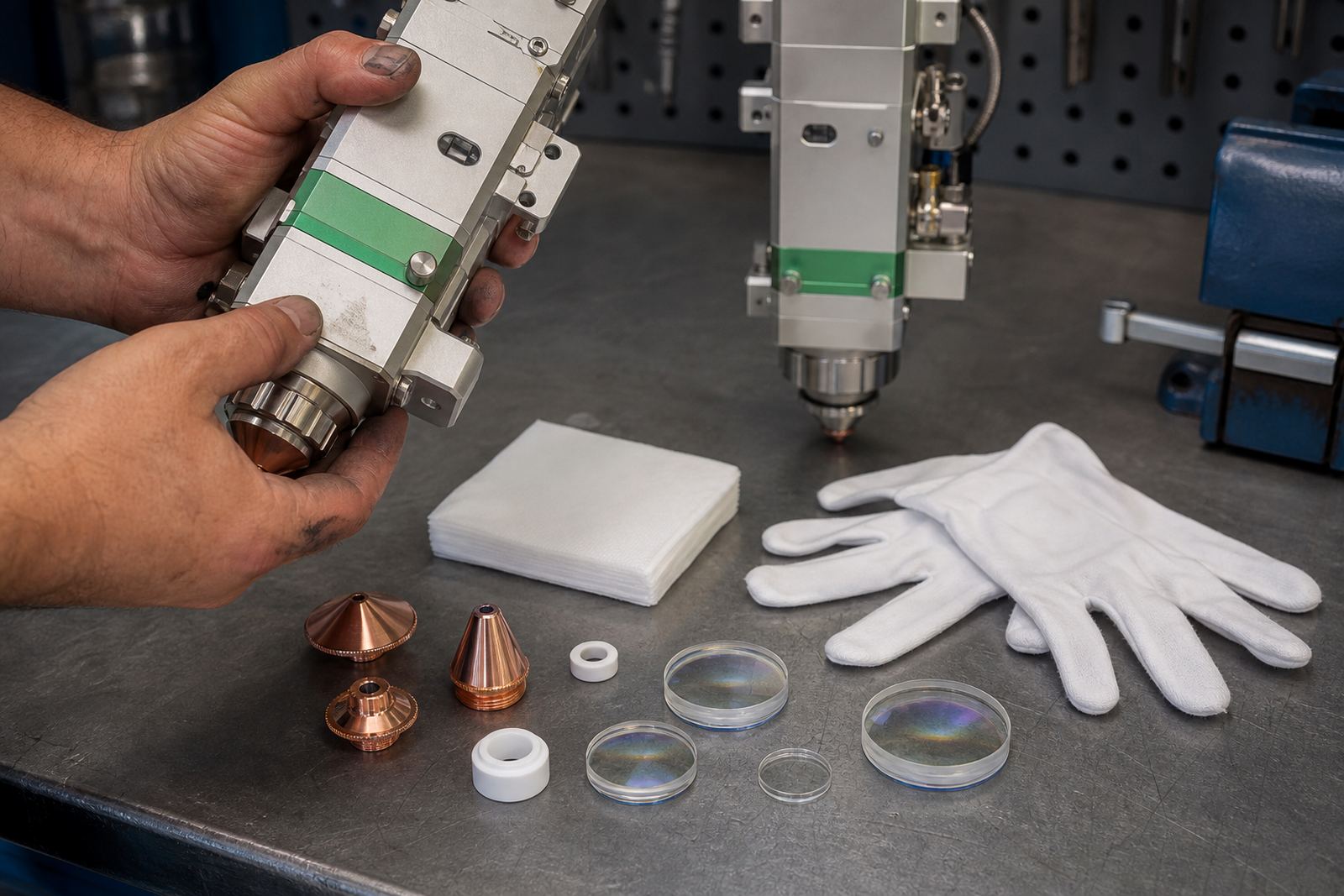
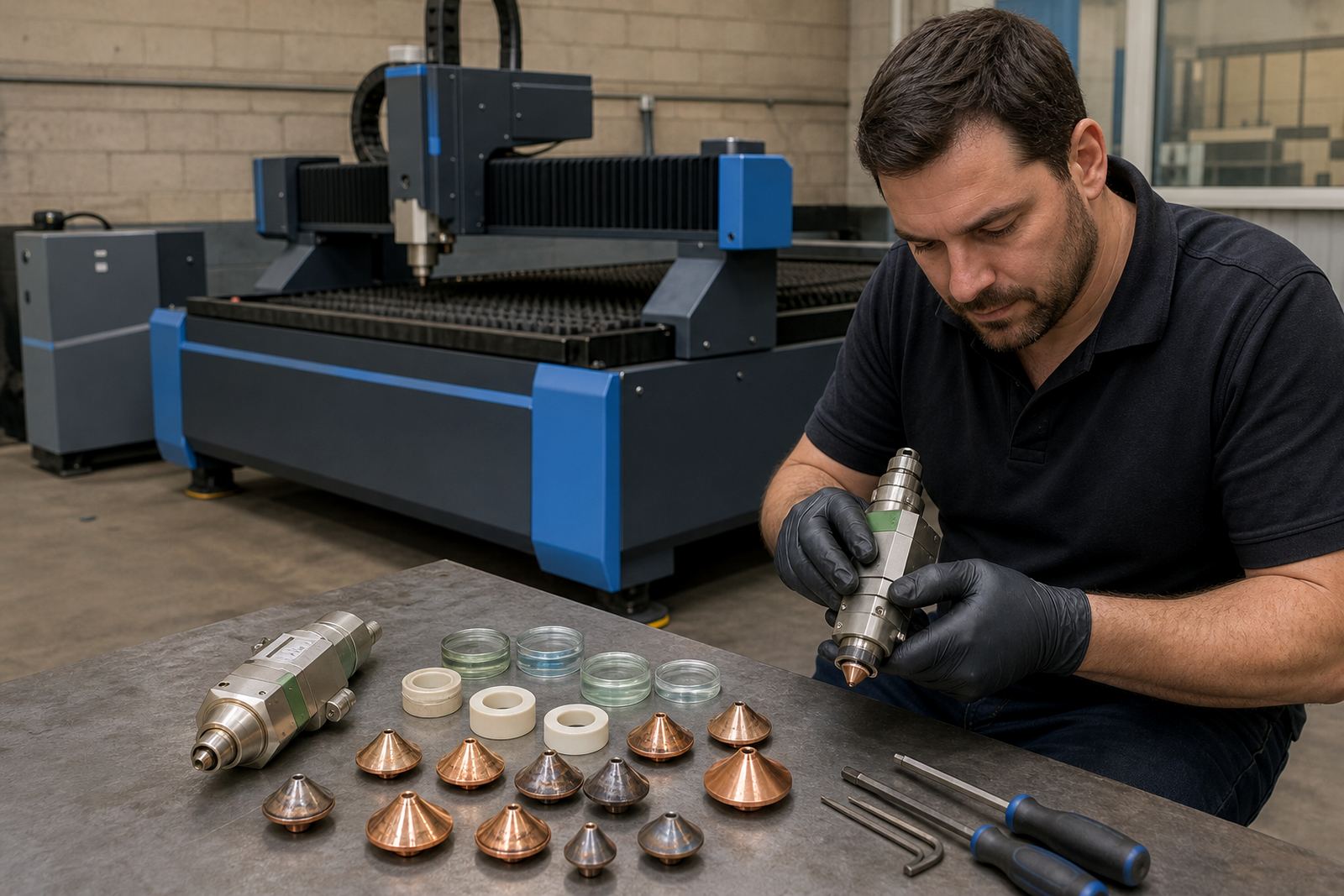
A quick bench check can save a bad run. Remove the nozzle and inspect it under bright light. If the opening is oval, chipped or darkened, do not treat it as a minor mark. Compare it with a known good nozzle of the same type and size. Single layer and double layer nozzles can look similar from a distance, but their wear patterns and gas paths matter when the cut quality starts drifting.
Also check the ceramic ring, focus setting and protective window while the head is open. A damaged nozzle may be the visible fault, though a dirty window or an incorrect focus point can make the same symptoms look worse. On machines using capacitive height sensing, an unstable standoff can also mimic nozzle damage because the head starts hunting on uneven sheet.
- Inspect the orifice under strong light
- Compare against a spare nozzle of the same type
- Check the ceramic ring for cracks or chips
- Clean the protective window before resetting the head
Cleaning routines that protect the next cut
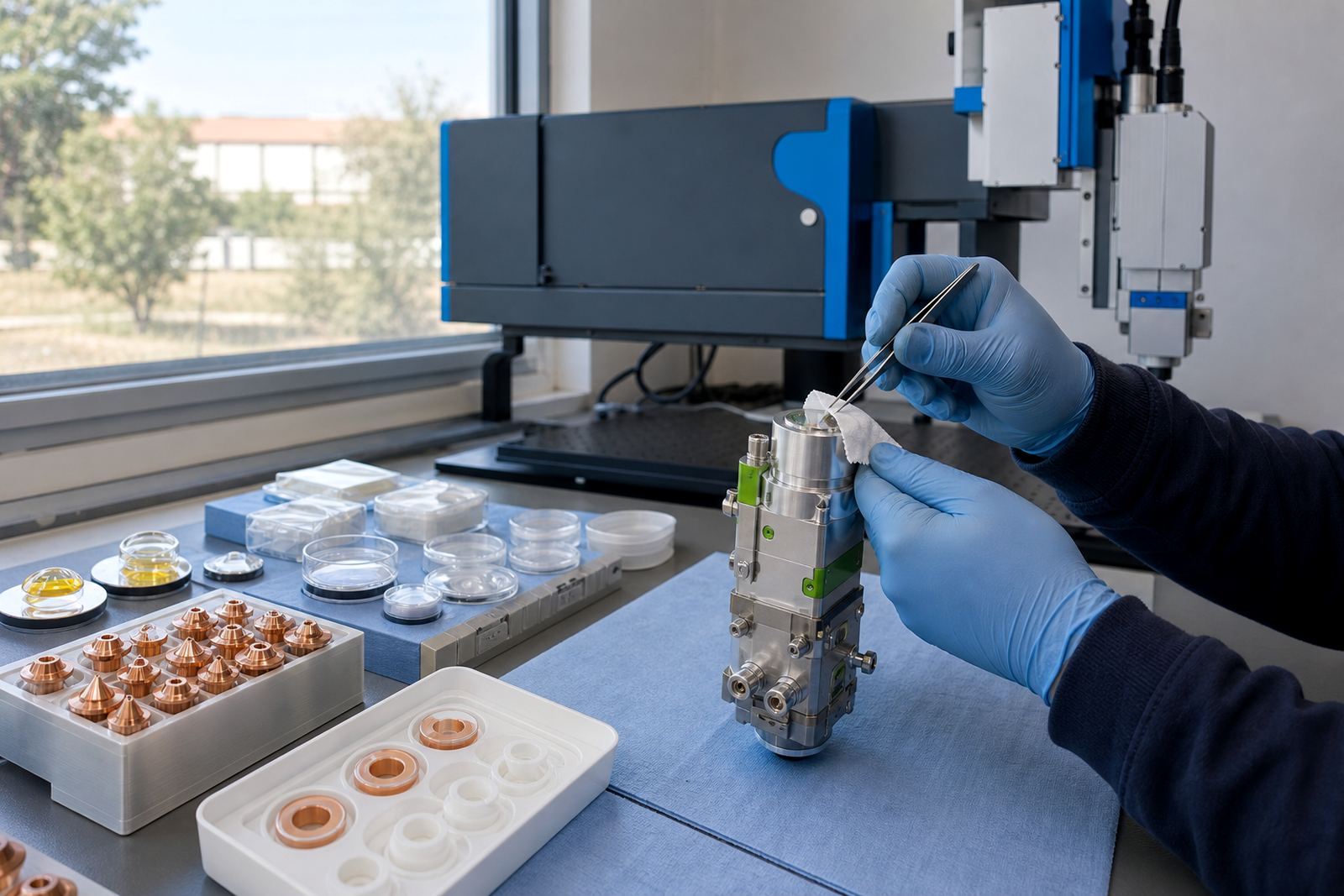
Cleaning should be careful, not aggressive. A nozzle is precision-machined and rough handling can enlarge the bore or leave lint behind. Use clean, dry methods and replace anything that has lost its shape. If the head has been exposed to spatter, inspect the gas path, seals and lens stack too, because residue often moves upward from the tip area.
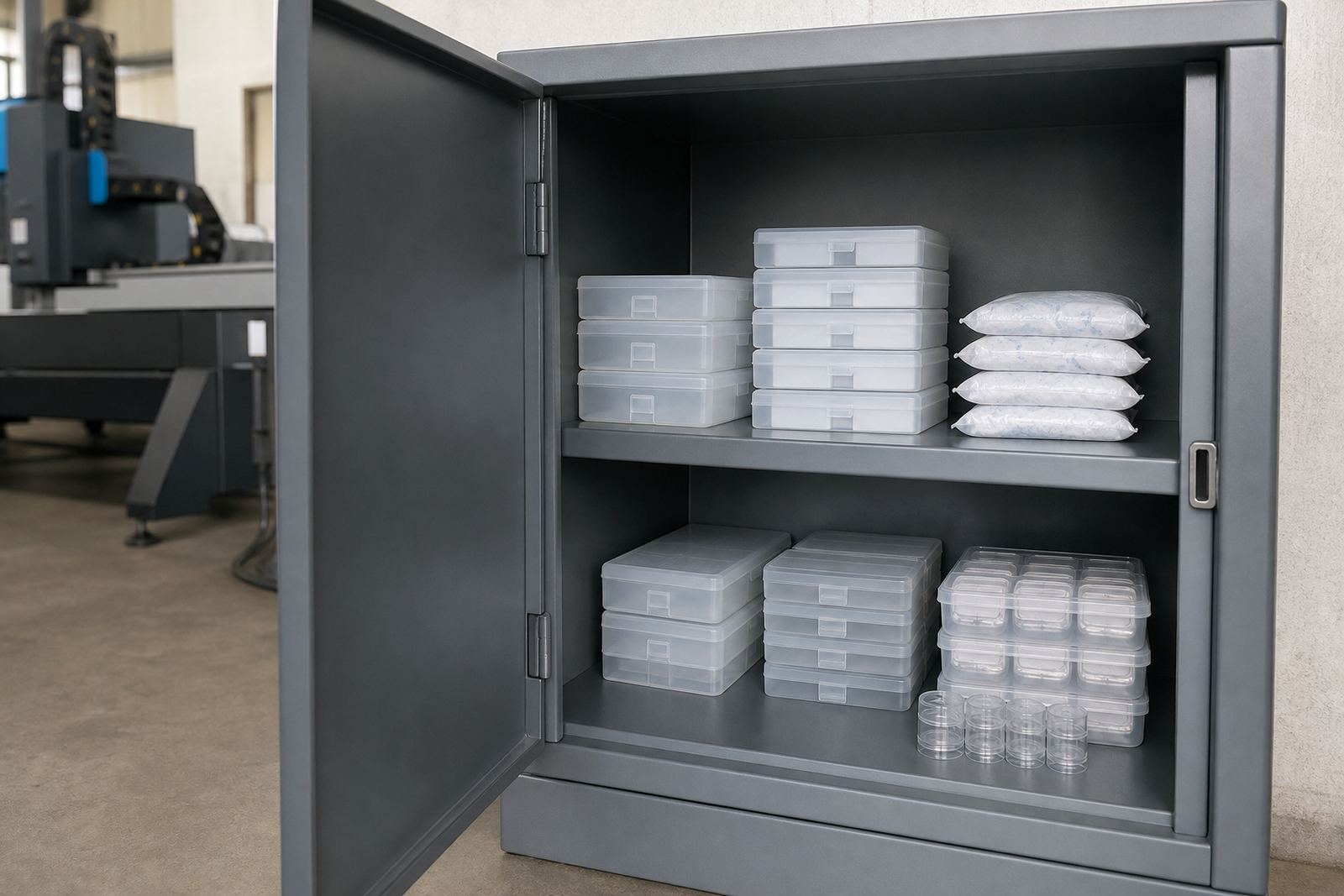
For shops across Johannesburg, Pretoria, Durban, Cape Town and Rustenburg, the practical routine stays the same: stop the machine when the cut changes, check the tip, and keep a few clean spares close by. That approach is less costly than chasing a bad cut through an entire nest.
- Wipe dust away with lint-free material
- Never force a nozzle back into a damaged seat
- Replace cracked ceramic rings at the same time
- Recheck focus after any nozzle change
When bench service or on-site alignment helps
Some nozzle issues are solved with replacement only. Others point to a wider head problem, especially when the same defect returns after a fresh nozzle is fitted. Bench service helps when centring, sealing or lens condition needs attention. On-site alignment makes sense when the machine has drifted after a knock or the cut quality varies across different parts of the bed.
In our Spartan, Kempton Park base, the work often starts with a nozzle inspection, then moves to focus setting check, capacitive sensor check and gas path inspection if the symptoms call for it. A nozzle can tell you a lot about the head above it. If the face keeps marking up, the story usually reaches beyond the tip.