
Start with the head model and lens seat
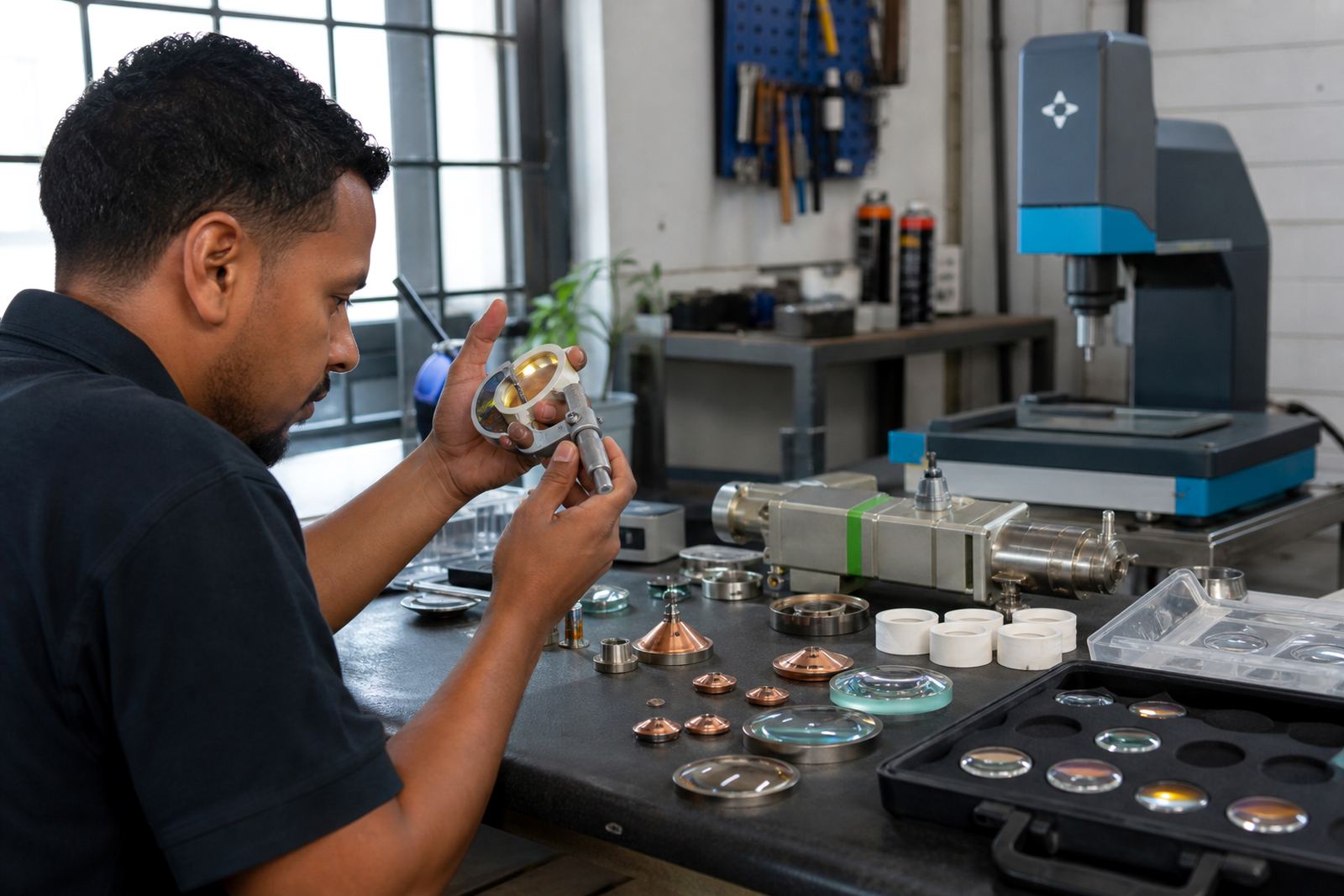
The first check is fitment. A collimator lens must match the cutting head body, the lens diameter, the mounting style and the optical path length. On many fibre laser heads, a small mismatch at the seat or retaining ring can leave the lens slightly off-centre, and that changes beam quality at the nozzle tip.
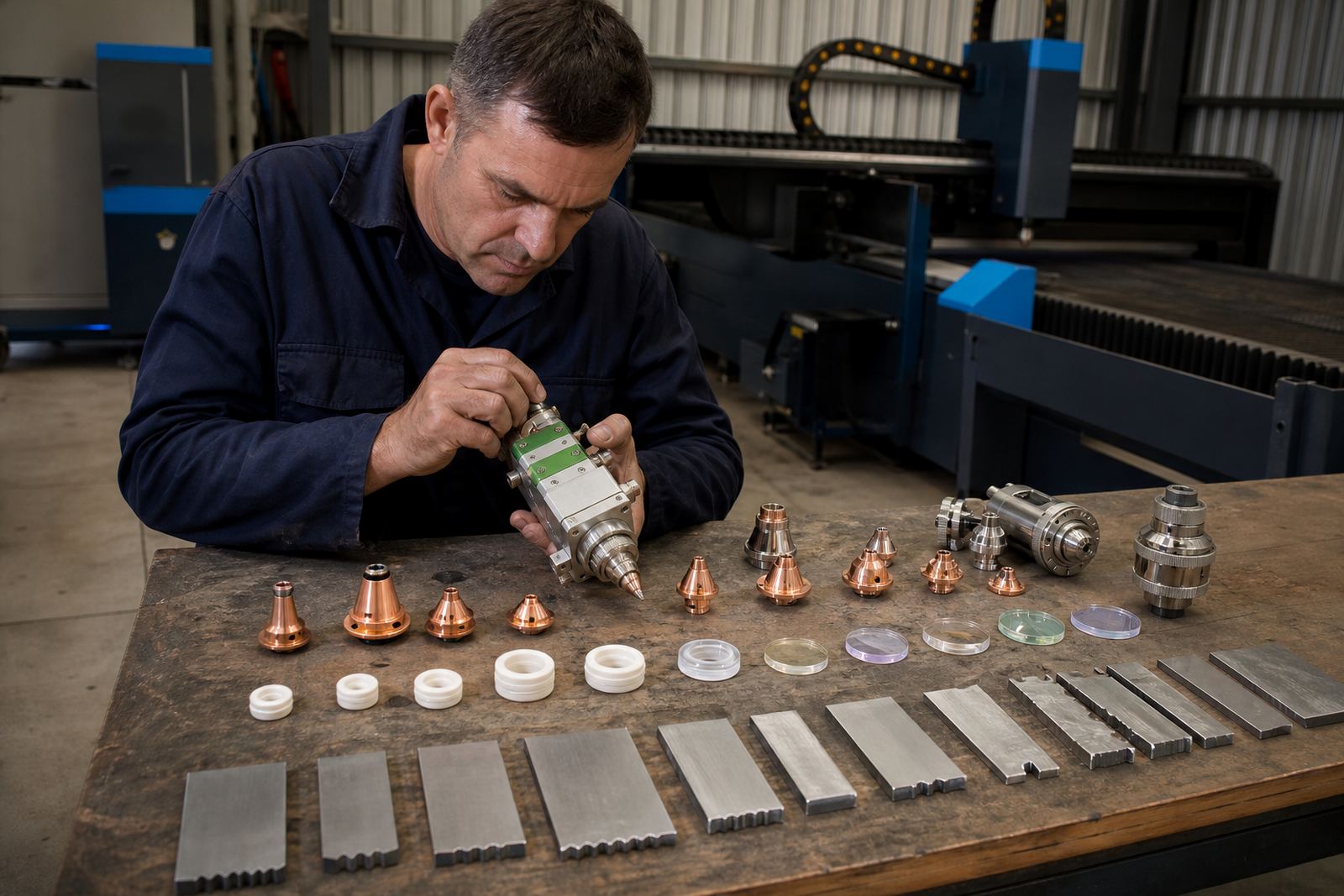
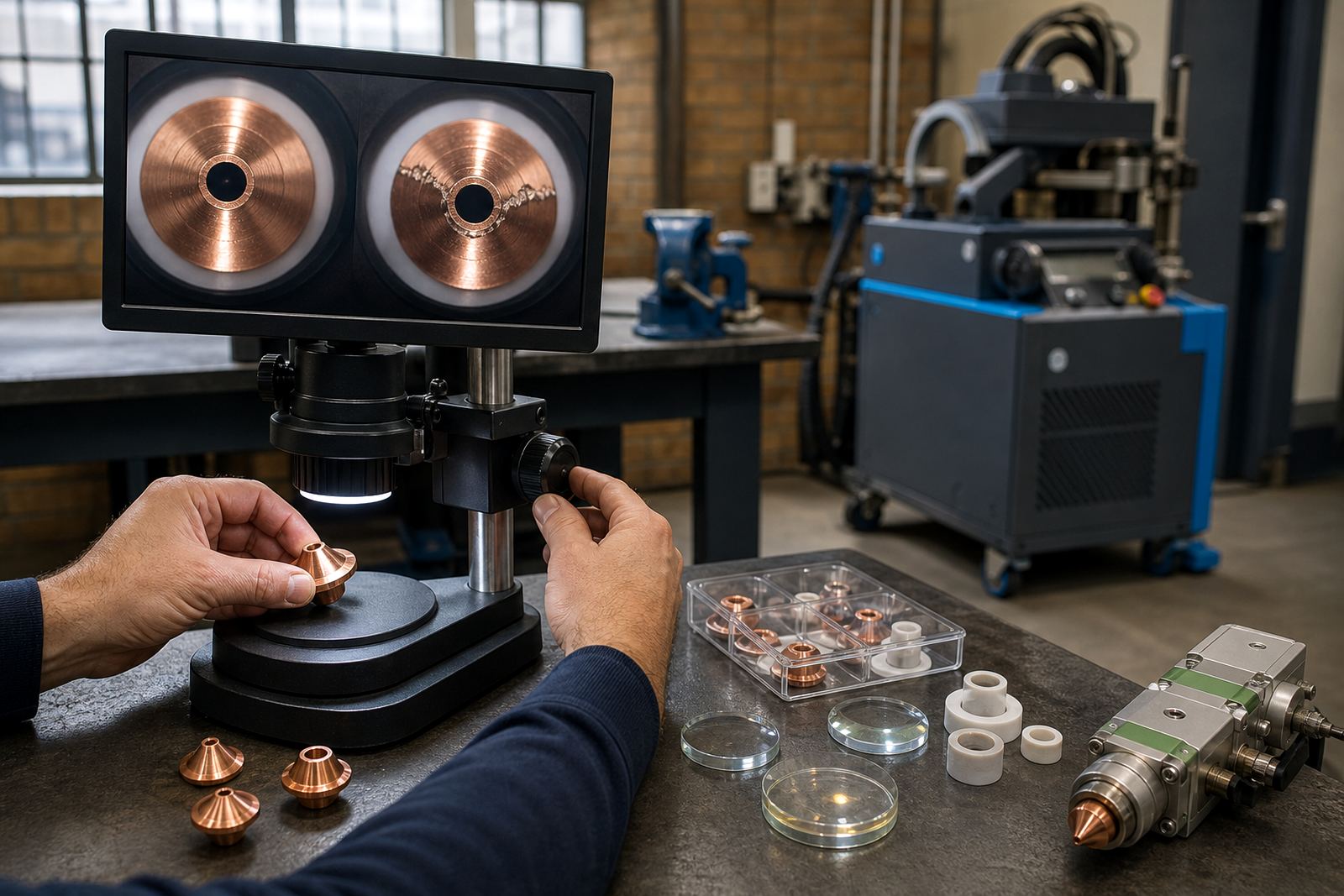
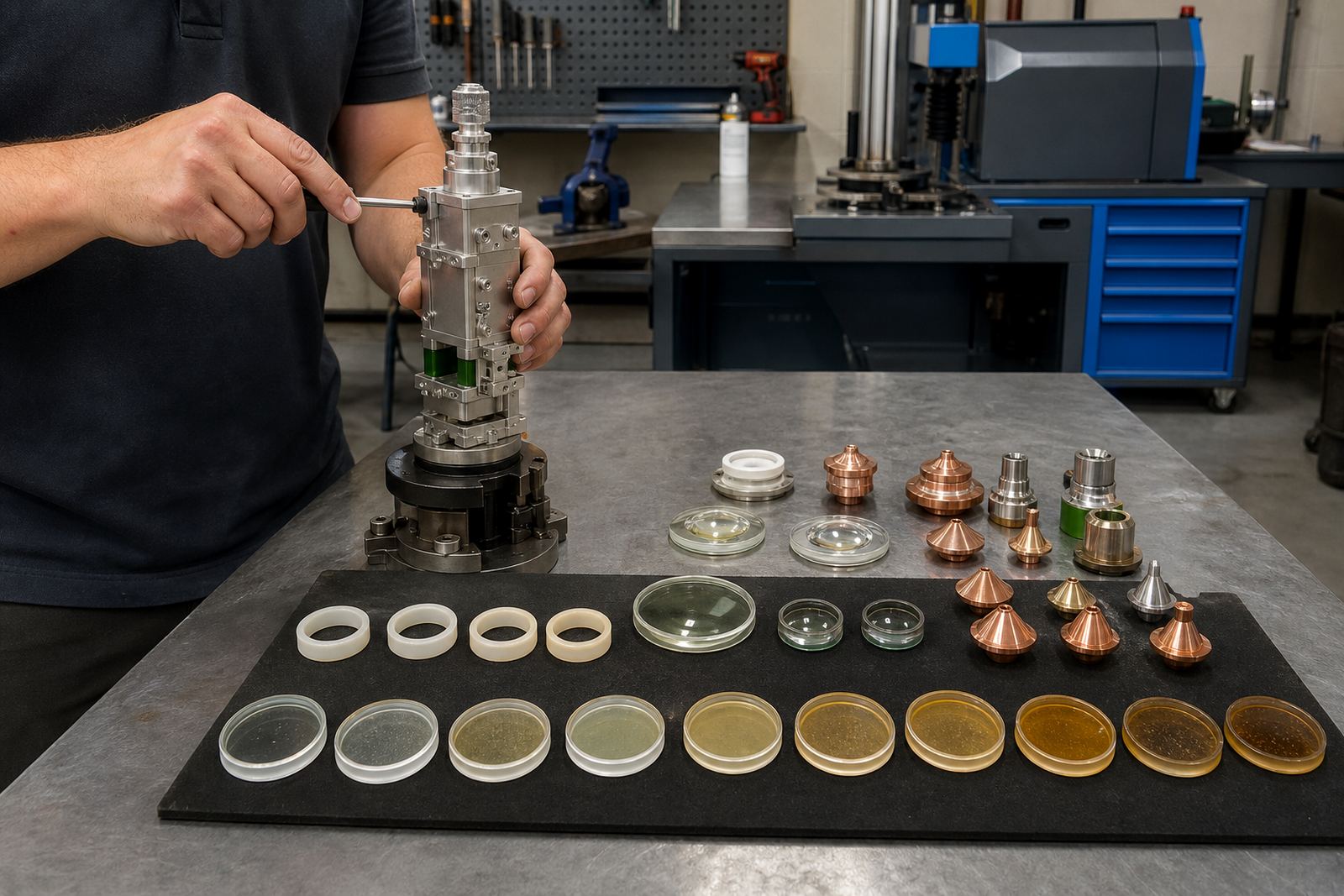
When a shop in Johannesburg or Durban sends a head in for inspection, we look at the glass size, edge finish, sealing faces and the condition of the ceramic ring around the nozzle section. If the head has taken a crash, the lens may still look clean while the housing, seal or seat has shifted a fraction, and that is enough to upset the cut.
- Check the lens diameter against the head specification.
- Confirm the mounting lip, spacer and retaining ring profile.
- Inspect the seat for dust, scoring or a hairline crack.
- Look for signs of heat marks or spatter near the optical path.
Signs the collimator is no longer performing as it should
When the collimator lens starts to fail, the cutting table usually shows it before the lens does. Edges can go dull on one side, fine features close up, or the cut starts wandering when the head changes direction. A poor lens can also push the machine operator into constant focus changes that should not be needed on mild steel, stainless steel or aluminium sheet.
Heat from a dirty protective window, loose nozzle centring or a damaged focus lens can make the collimator look guilty when the real problem sits elsewhere. A proper bench check is therefore needed before we fit the cutting head or its accessories. The head needs to be stripped, cleaned and checked in order, not guessed at from the outside.
- Watch for taper, burrs or a wider kerf than usual.
- Listen for unstable piercing on thicker plate.
- Check whether the cut changes after nozzle cleaning.
- Inspect the focus setting before blaming the collimator lens.
Single lens or full assembly: what to order
Some jobs only need a replacement lens, while others need the complete assembly. If the retaining parts are worn, the seat is scratched or the optic has moved in its holder, fitting only the glass may waste time and leave the same fault in place. For many sheet-metal shops, the safer route is to compare the old unit with a spare head or a known good set before ordering.
We also check whether the machine uses a standard lens size or a specific optical stack. Collimator lenses work alongside the focus lens, protective window and nozzle, so one weak link can spoil the whole cut. A clean lens in a damaged holder is still a problem.
- Order only the lens if the holder and seal are sound.
- Choose the full assembly if the seat, spacer or ring is damaged.
- Match the clear aperture to the machine head.
- Confirm the beam direction and optical spacing before fitting.
Cleaning steps that protect the optic
A collimator lens can last well if the cleaning routine is careful. Dust, oil mist and tiny spatter marks build up fast in cutting shops, especially where the air handling is weak or the nozzle runs too close to the plate. Cleaning must be done with proper optic wipes, a clean holder and a steady hand. Never drag grit across the surface.
The same care applies when the head is opened for a lens check. The protective window should be inspected first, then the nozzle and ceramic ring, then the focus area and finally the collimator lens. That order helps separate a dirty consumable from a real optical fault.
- Remove loose dust before touching the glass.
- Use a fresh wipe for each lens surface.
- Check the window, nozzle and lens in sequence.
- Replace any ring that has chips or heat damage.
Focus, capacitive sensing and nozzle centring
A collimator lens does not work on its own. The focus setting, capacitive height sensing and nozzle centring all affect how the beam reaches the sheet. If the sensor reads too high or too low, the machine may hold the head at the wrong distance and the cut edge suffers. If the nozzle is off-centre, the beam can clip the side of the nozzle and the lens gets blamed for a problem higher up the chain.
For Cape Town and Rustenburg jobs, we often find that a small alignment fault at the head shows up only when cutting thin material at speed. The fix may be a careful sensor check, a nozzle reset, or a fresh focus setting after the lens change. The optic then has a fair chance to do its work.
Bench check list before the head goes back to cutting
A proper bench service keeps the new lens from being fitted into a dirty or damaged head. It also gives the operator a clear baseline before the machine goes back into the shop floor routine. If the head has seen a crash, the inspection should include the seal, the gas path and the protective window holder, not only the optic itself.
For shops in Spartan, Kempton Park and across the East Rand, this is the point where a spare head can save downtime. A prepared unit gives the team a cleaner swap while the damaged head is checked, cleaned and aligned on the bench or on site.
- Confirm the lens size and optical spacing.
- Check the ceramic ring, nozzle and seal condition.
- Check the protective window for clouding or scorch marks.
- Verify focus setting, centring and sensor reading.
- Look for crash damage before final fitting.